Whether you’re logging in on the Web or on your iPhone, Quickture Reader secure login follows the same steps.
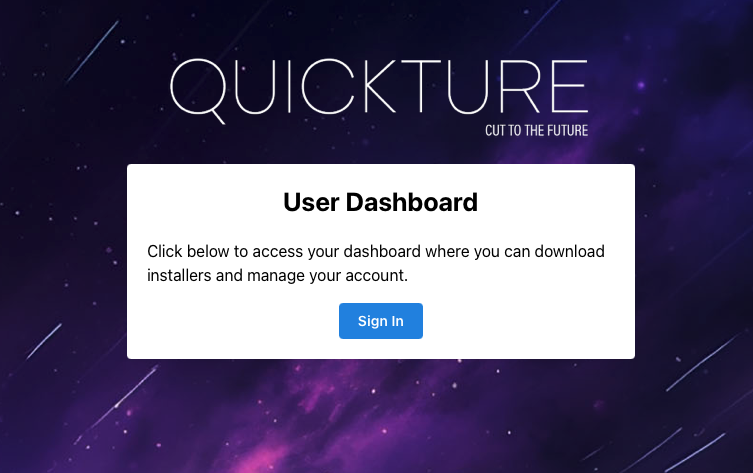
If you’re an individual Quickture Reader user, you’ll be logging in with the email and password you set up at https://dashboard.quickture.com. If you experience any issues, you can reach out to us at [email protected].
If you are using Quickture Reader as part of an Enterprise customer, you’ll login with your existing company email and password. If you experience login issues, you can reach out to us, but your company IT department will need to make sure you’re added to the Quickture group on your SSO service.