Groups are how admins control which users can see which projects in Quickture Reader. By organizing users into groups and assigning those groups to projects, you can make sure the right people have access to the right scripts — and nothing more.
A group is simply a named collection of users. When an admin assigns a group to a project, every member of that group gains visibility into that project in their Quickture Reader. Users who aren't in an assigned group won't see the project at all.
Log in to the Quickture Dashboard.
Navigate to Team Members → Groups.
Click the button to create a new group and give it a clear name (e.g., "Development Team" or "Paramount Readers").
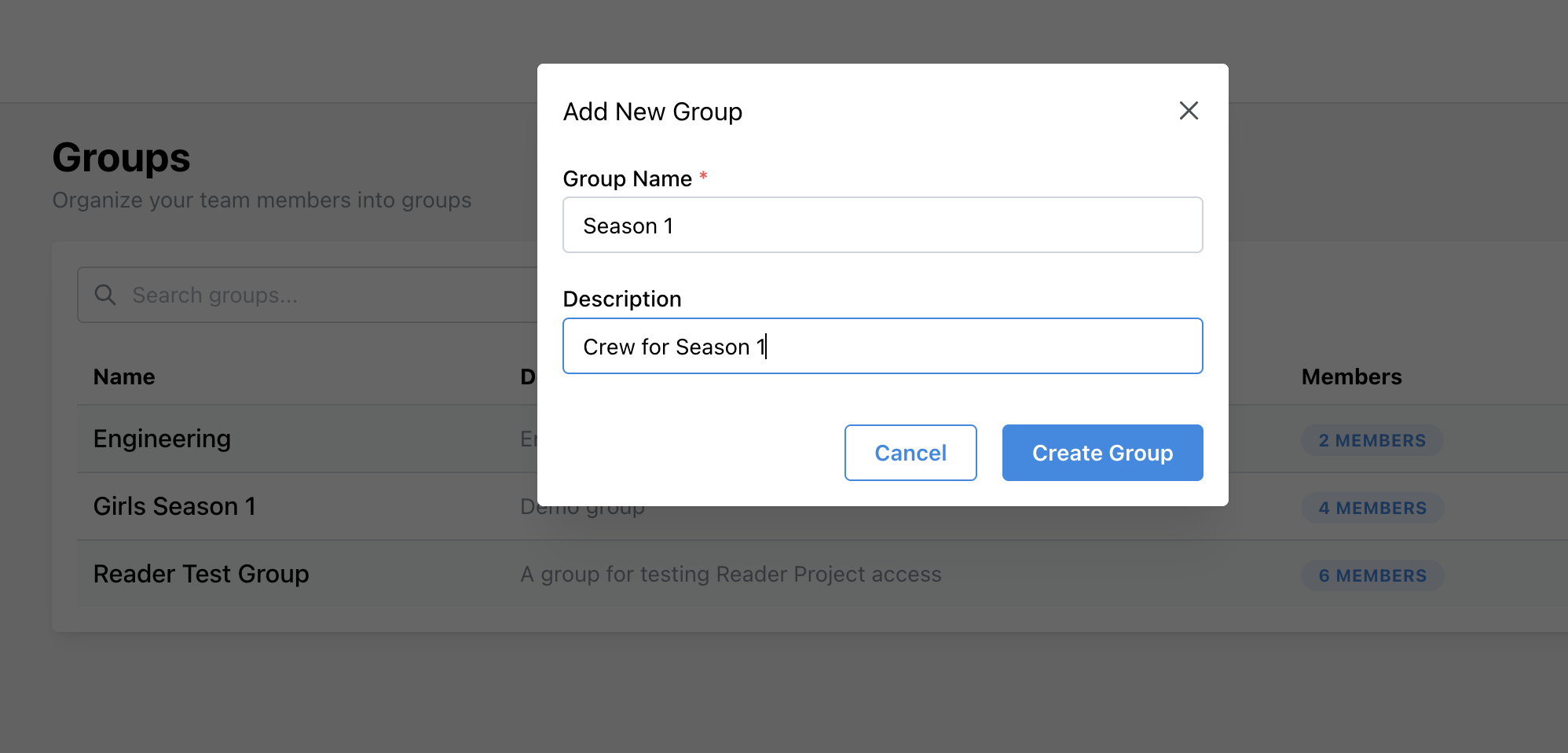
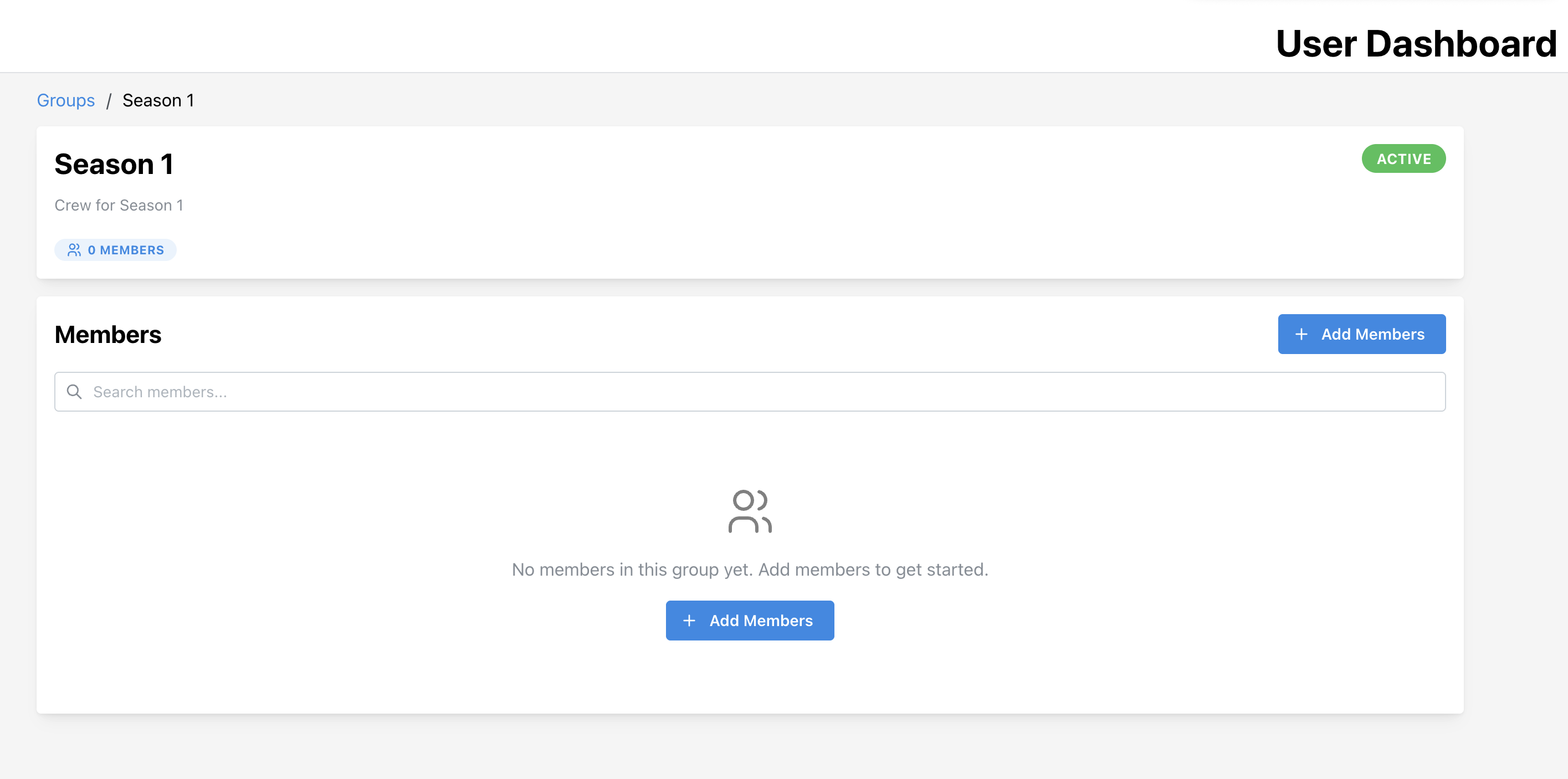
You can then go in and add users:
In Quickture Reader, open the project you want to manage.
Click the Edit button on the project.
Select Manage Access.
Choose whether the project should be visible to everyone at your organization, or only to specific groups.
Select the group(s) you want to grant access to and save.
Once saved, all members of the selected group will see that project the next time they log in to Quickture Reader.