
iOS Updates
Sort and Search
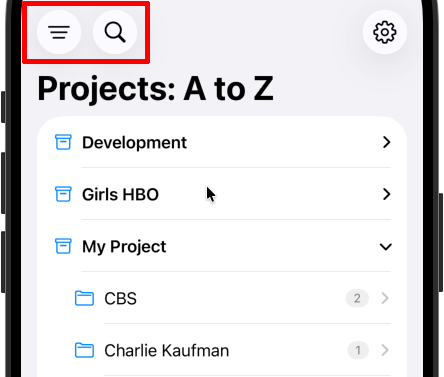
Reader lets you easily sort and search your project or scripts. You can sort:
By Recent - The most recently opened scripts and projects will be on top.
A to Z
Z to A
And you can search by tapping the magnifying glass icon.
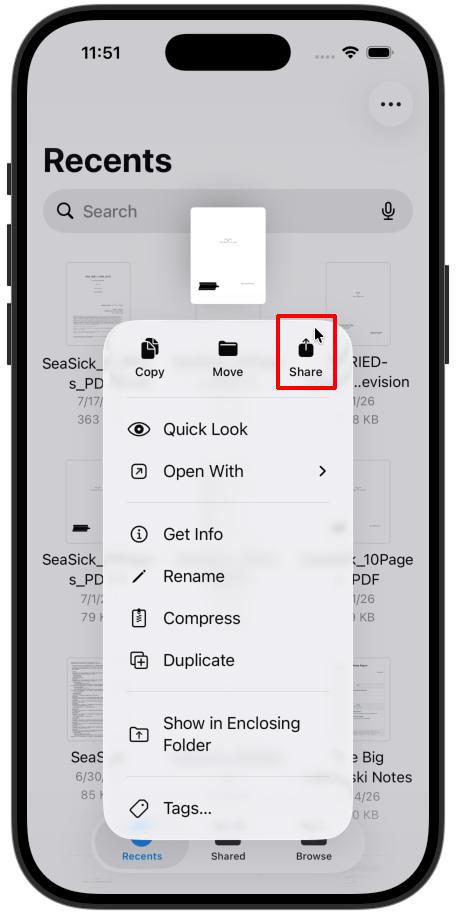
Share a pdf or fdx file directly to Reader
The latest update makes importing easier by letting you tap and hold any pdf or fdx file and share it directly to Quickture.
Improved Voice Pinning to Projects
When you manually selected voices for characters, Quickture pins those voices to the characters for that project. That means that if you import any script to the project that has the same characters, it will default to the same voice.
We fixed some issues with pinning and made it more reliable so you will always get the voices selected for that project when you import!