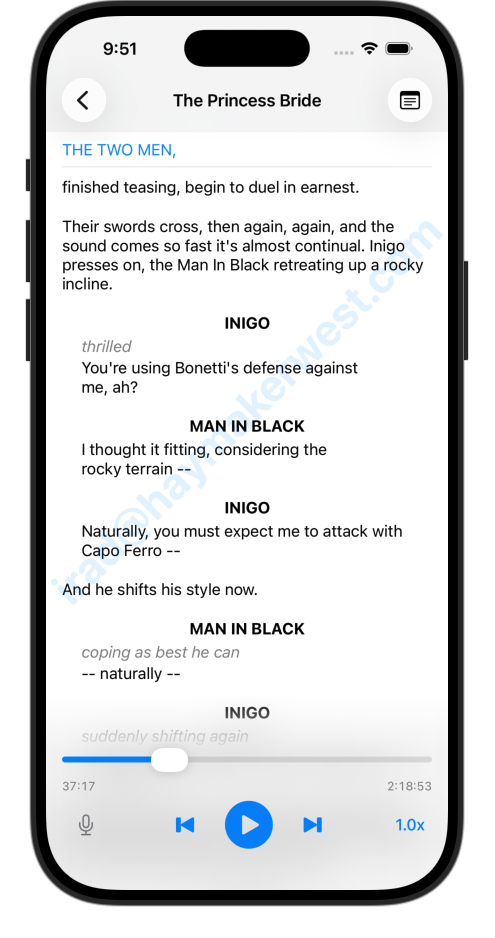
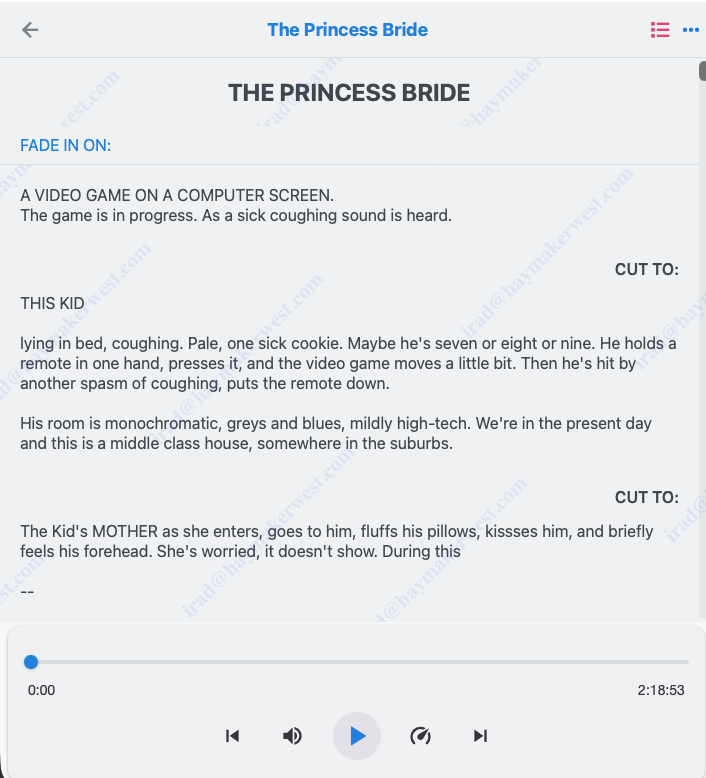
Quickture Reader is available as a web app, or as an iPhone app. Both versions require a Quickture Reader subscription, and anything you add to your account on the web will be visible in your iPhone app, and vice versa.
Quickture Web is accessible at https://reader.quickture.com. It works in Safari, Chrome, and other browsers.
The Quickture iPhone App is currently found in the Apple App Store. You’ll need to:
Download Quickture Reader from the App Store: https://apps.apple.com/us/app/quickture-reader/id6759045831.
Click the link in your invite to access Quickture Reader.
From that point on, you’ll be able to open Quickture Reader like a regular app on your iPhone by tapping the icon.